 Bilyx
Bilyx
Bilyx
Bilyx
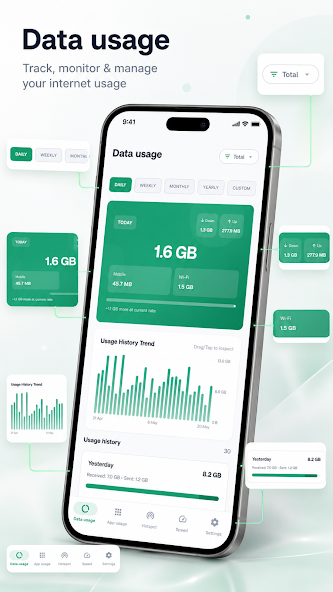
Understand and control how your device uses mobile and Wi-Fi data. Track usage by day, week, or month, see which apps consume the most data, monitor hotspot activity, run speed tests, set limits, and export reports — with no ads and no third-party analytics.
Get on Google PlayView internet usage by day, week, month, year, or custom range. Filter between total, mobile, and Wi-Fi usage.
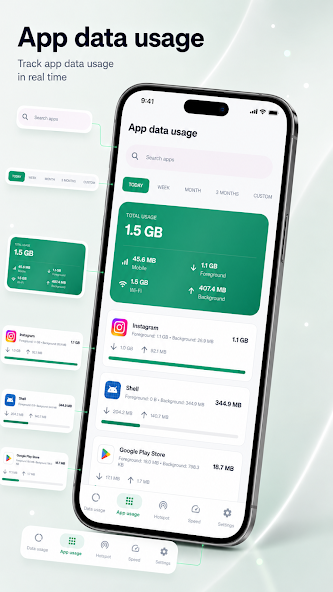
Discover which apps consume the most data with foreground and background breakdowns per app.
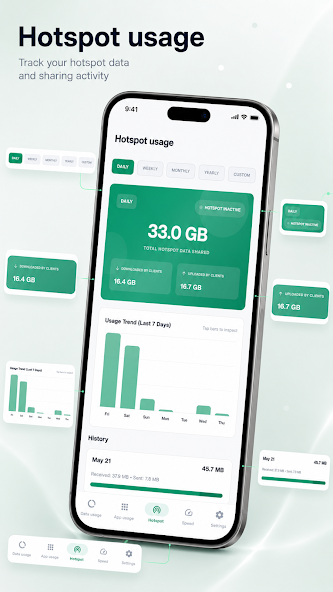
Monitor hotspot-related data usage and sharing activity based on available device information.
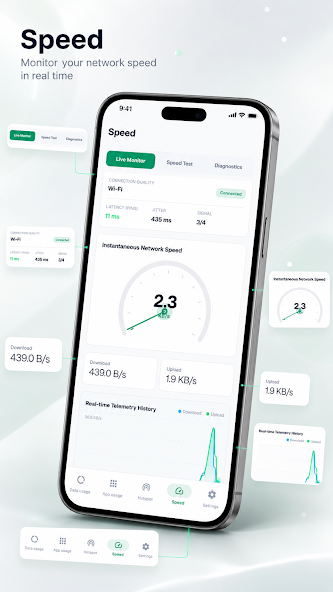
Check real-time network speed, run download/upload tests, and view live telemetry history.
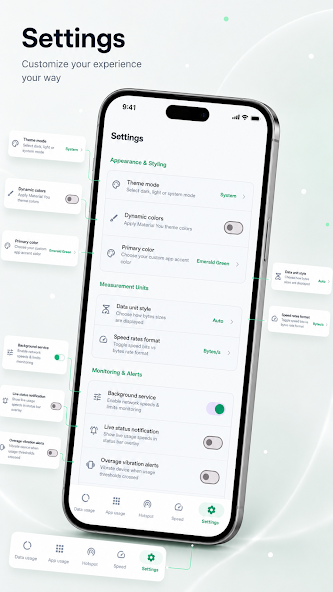
Set daily, weekly, or monthly data limits and receive alerts before you reach your cap.
Export and share usage reports in CSV or PDF format. Home screen widgets for quick speed and usage views.
Swipe to browse screenshots
Your data stays private. Most information is stored locally on your device. No data collected · No data shared with third parties · No third-party advertising or analytics SDKs.
Free on Google Play. Track, monitor, and manage mobile and Wi-Fi usage with confidence.